.png)
PanelGetting started
Login & Access
How to access the LogDrop Panel, sign in, and reset password
This page explains how to access the LogDrop Panel, sign in, and reset your password.
Panel URL: panel.logdrop.io
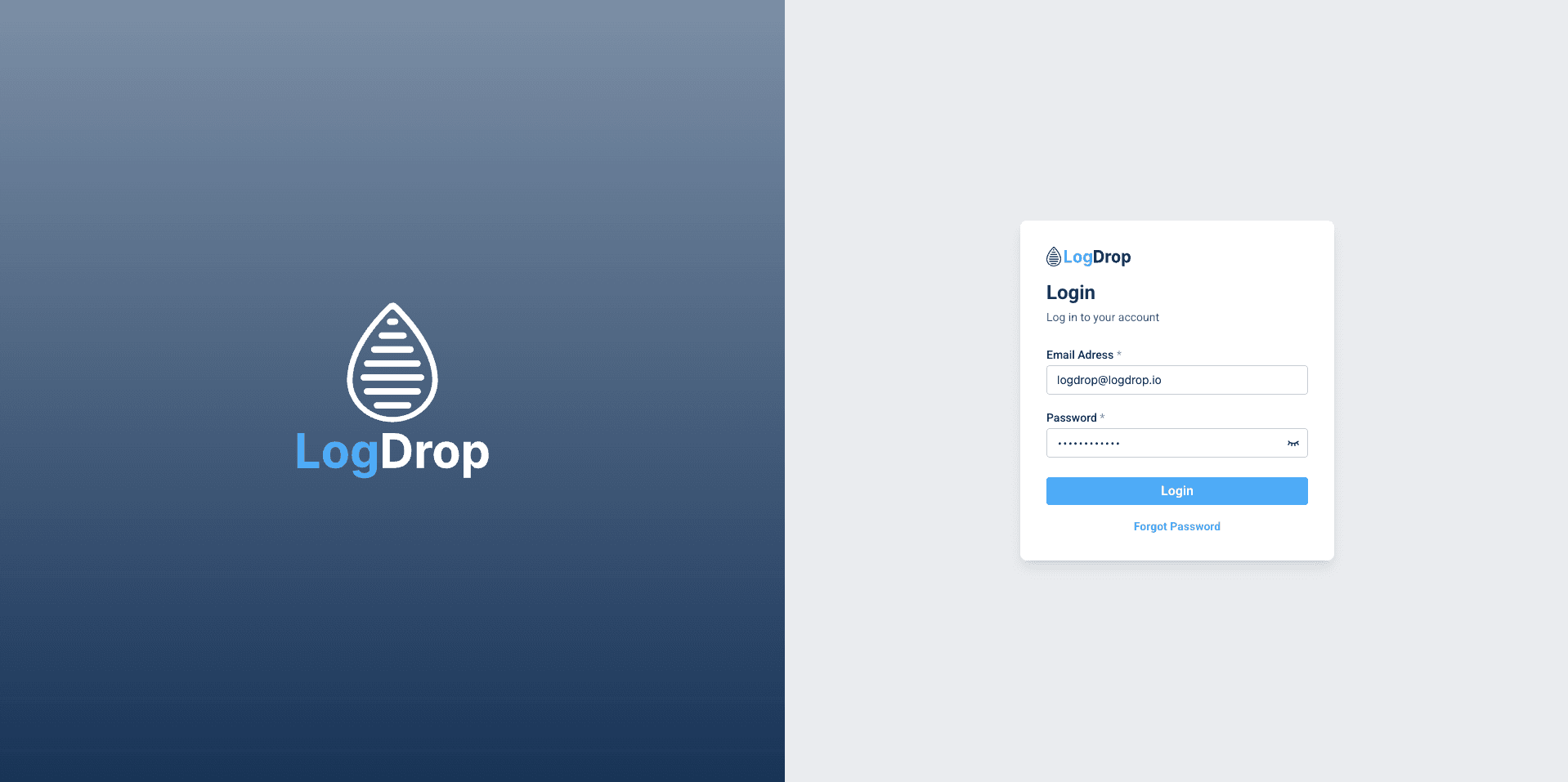
1) Sign in
- Open panel.logdrop.io.
- Enter your email address and password.
- Click Sign In to access the panel.
Screenshot: Login screen
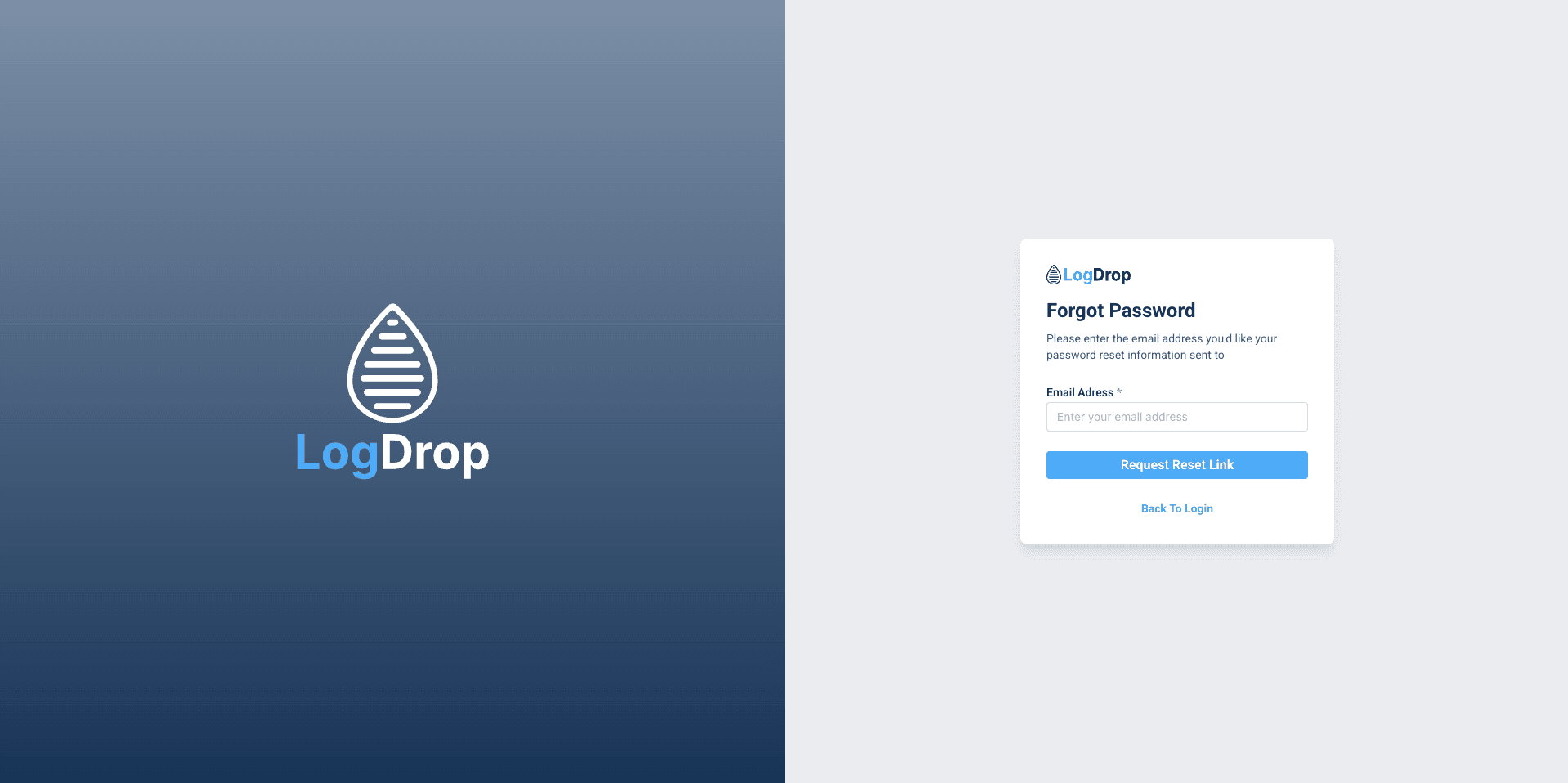
2) Forgot password
- On the login page, click Forgot Password.
- Enter your email address and submit the form.
- Check your inbox and use the password reset link.
- Set a new password and sign in again.
Screenshot: Forgot Password flow
3) Access & permissions
Panel access is granted via user invitation and permissions. If you cannot see a project or a module, you may not have the required role or project assignment.