.png)
PanelSettings
API Key
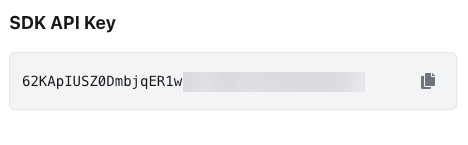
Find and copy the SDK API Key used for LogDrop integrations
This page shows the SDK API Key required to connect your mobile and web applications to LogDrop. You typically copy this key and paste it into your SDK initialization or configuration.
1) Where to find the API Key
- Open Settings from the left navigation.
- Go to API Key.
- Copy the key using the Copy action.
Screenshot: API Key screen
2) How to use it (high-level)
- Use the API key in your SDK setup for the correct project/environment.
- If you manage multiple projects, ensure you copied the key from the intended project.
- Treat the API key as sensitive: do not commit it to public repositories.
Tip: If you need runtime control (masking rules, ignore lists), continue with Remote Config.