.png)
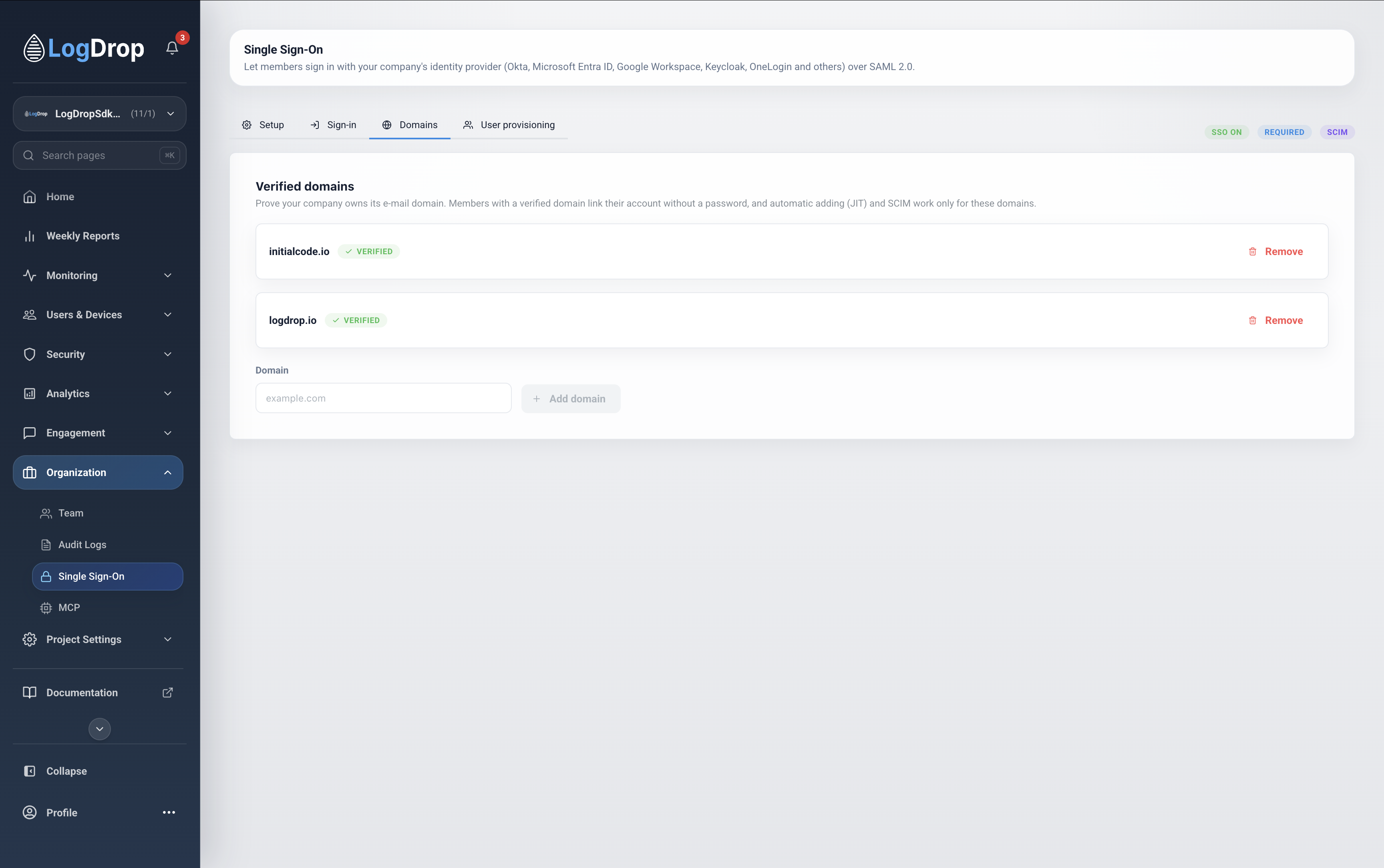
Verified domains
Prove that your company owns its e-mail domain with a DNS TXT record, so members are linked without a password and JIT and SCIM can add them.
An identity provider can send any e-mail address, so LogDrop trusts it only for domains your organization has proven it owns. Verify your company's e-mail domains in the Domains tab.
Why verify a domain
For people whose e-mail address is on a verified domain:
- Their LogDrop account is linked on their first SSO sign-in without a password.
- JIT can add them as members on their first sign-in.
- SCIM can create and manage them.
People on other domains can still sign in through SSO; they confirm their LogDrop account with its password once.
Verify a domain
You prove that you own a domain by adding a DNS TXT record with a token from LogDrop.
- Enter the domain, for example
example.com, and select Add domain. - LogDrop shows a TXT record: its name is
_logdrop-challenge.<your domain>and its value is a token for your organization. Copy both. - Add the TXT record at your DNS provider.
- Select Verify. DNS changes can take a few minutes to be visible.
The domain then shows VERIFIED. A domain can be verified by one organization only.
Keep the record
Leave the TXT record in place. LogDrop checks it again about once a week, when the domain is used for a sign-in or by SCIM. If the record is gone, the verification ends, because the domain may have changed hands. A temporary DNS outage does not end it.
Remove deletes a domain from your organization. Automatic linking, JIT and SCIM stop for addresses on that domain.